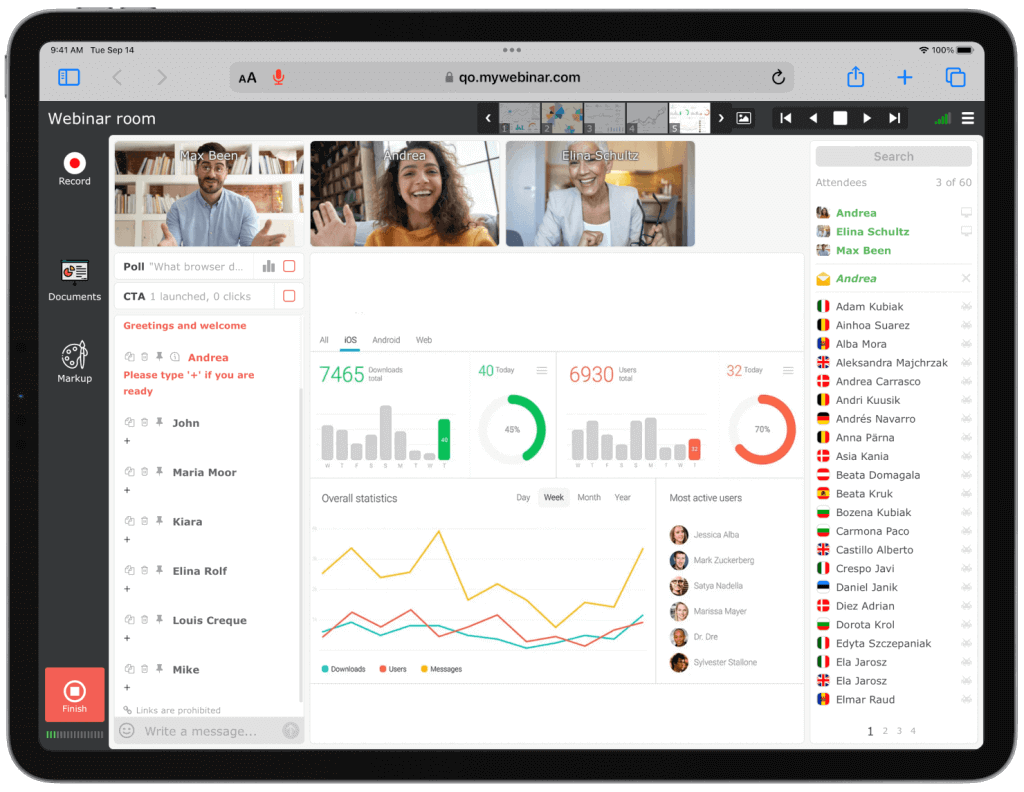

In modern business and communication, video conferences are becoming increasingly popular. Therefore, software inventors do their best to make this process easier and to improve it as much as possible. Top picks for video meetings.
Top picks for video meetings
As a result, we currently have many convenient video conferencing platforms with features for different categories of users. You can access almost all video conference apps using different operating systems and devices: Windows, Mac, Linux, iOS, Android, and tablets. Also, many platforms allow free use, although this often comes with limited features.
Bearing this in mind, let’s review some of the most popular video conference apps.
MyOwnConference
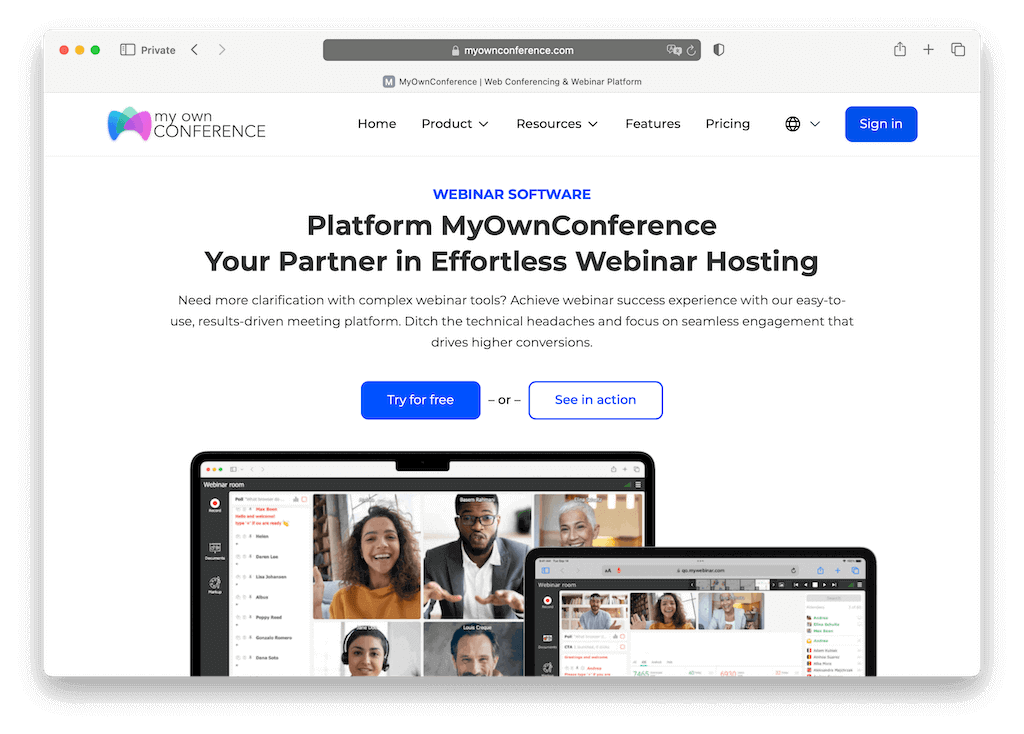
MyOwnConference is one of the most presentable web-based video conferencing apps that helps make a perfect impression on business partners by ensuring excellent technical support for all online meetings. It has been conquering the market at an accelerated pace.
Here are some MyOwnConference benefits
- Differs from many other platforms due to its easy interface.
- Plans are priced by group size, from a handful of people up to several thousand, with disk space scaling alongside. The current tiers are on the pricing page.
- A system of available discounts: 5% off from two months, 10% from three, 15% from six and 20% when paying for 12 months.
- Free account that allows for up to 5 attendees, disk space of 500 MB, and video recording of up to 20 minutes.
- Stable and high-quality sound and images.
- Connection to social networks.
- Screen and cursor sharing and drawing tools.
- Moderated text chat saving history.
- Continuous recording of up to 10 hours with an unlimited number of recordings.
- Polls and surveys.
- The opportunity to attend open webinars on MyOwnConference to see the advantages of the product before hosting a meeting.
The only real disadvantage of using MyOwnConference is that the interface has several different features which can take some time to get used to.
MyOwnConference pricing
- Aside from the free plan for up to 5 attendees, there are paid one-day, monthly, and yearly options. Rates depend on the group size you pick, and the current ones are on the pricing page.
Zoom video conferencing
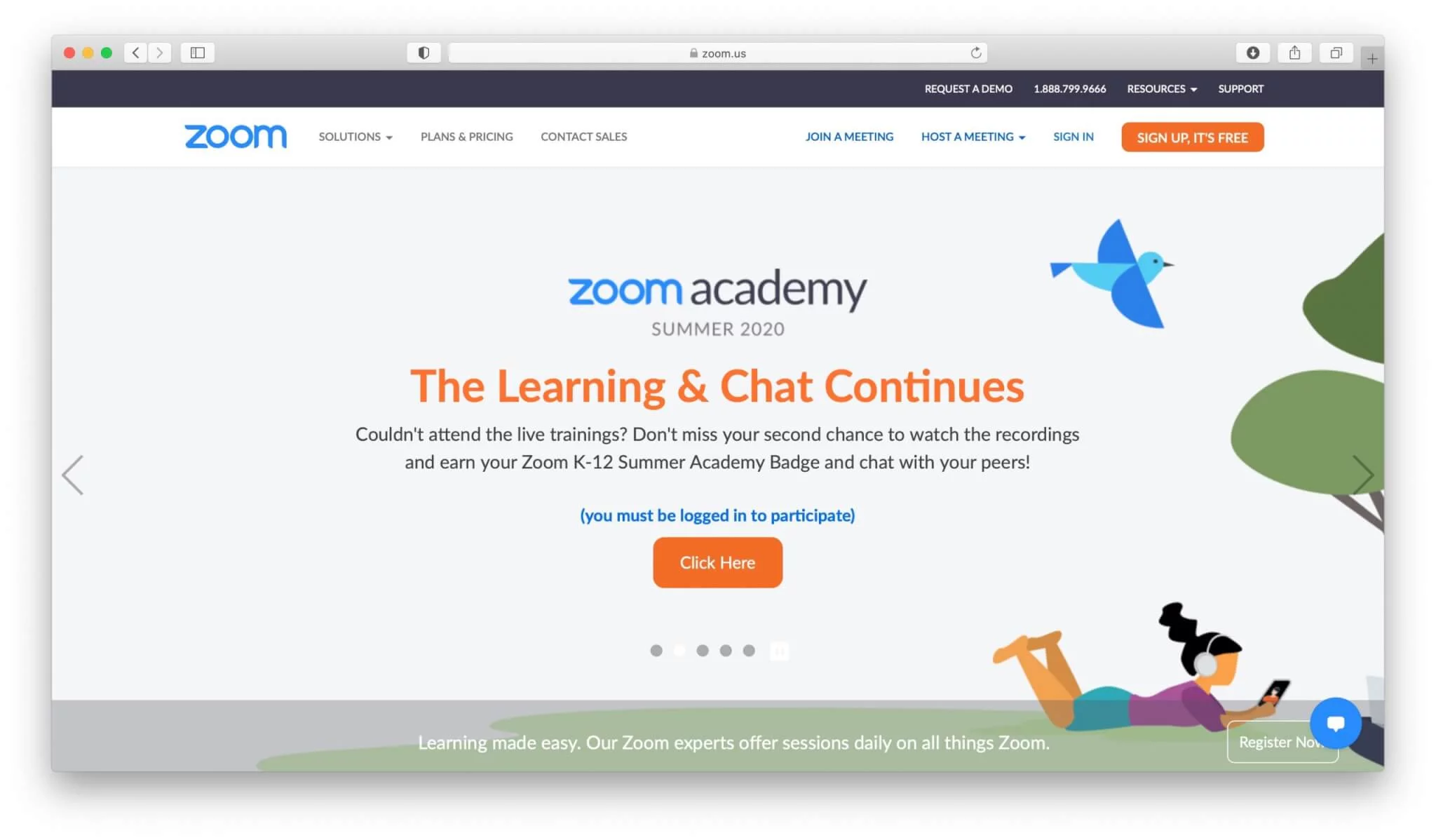
It’s one of the oldest video conferencing apps. It is well-known among businessmen who often hold online meetings, conferences, and webinars.
Some of the benefits of using the app are
- Clear video calls with a reliable connection.
- Free use for groups of up to 50 (You should sign up and have an account to be able to use it).
- Several different plans are available; (Basic (free), Pro, Business, and Enterprise).
- Different services to choose from Zoom: Meetings, Premium Audio, Video Webinar, Rooms, H.323/SIP Connector, Developer Platform.
- Unlimited video recordings.
- Possibility to increase the number of participants up to 500 at an additional cost.
- Access to useful features, including desktop sharing, an easy interface, and chat.
- Easy management of attendees using features such as adding, allowing them to record videos, mute and unmute and locking meetings.
Zoom prices per host rather than per event, so what you pay follows the number of people in your team who run meetings. Check the current tiers and limits on its own pricing page before you compare.
Zoom pricing
- There is a free version of the program, but this is capped at 40 minutes and there is no recording available.
- Paid tiers run from Pro through Business to Enterprise, and each one is billed per meeting host rather than per event, so the bill follows how many people in your team run meetings. Current rates are on the Zoom pricing page.
- A Zoom Room is a separate subscription on top of that, billed per room.
WebEx
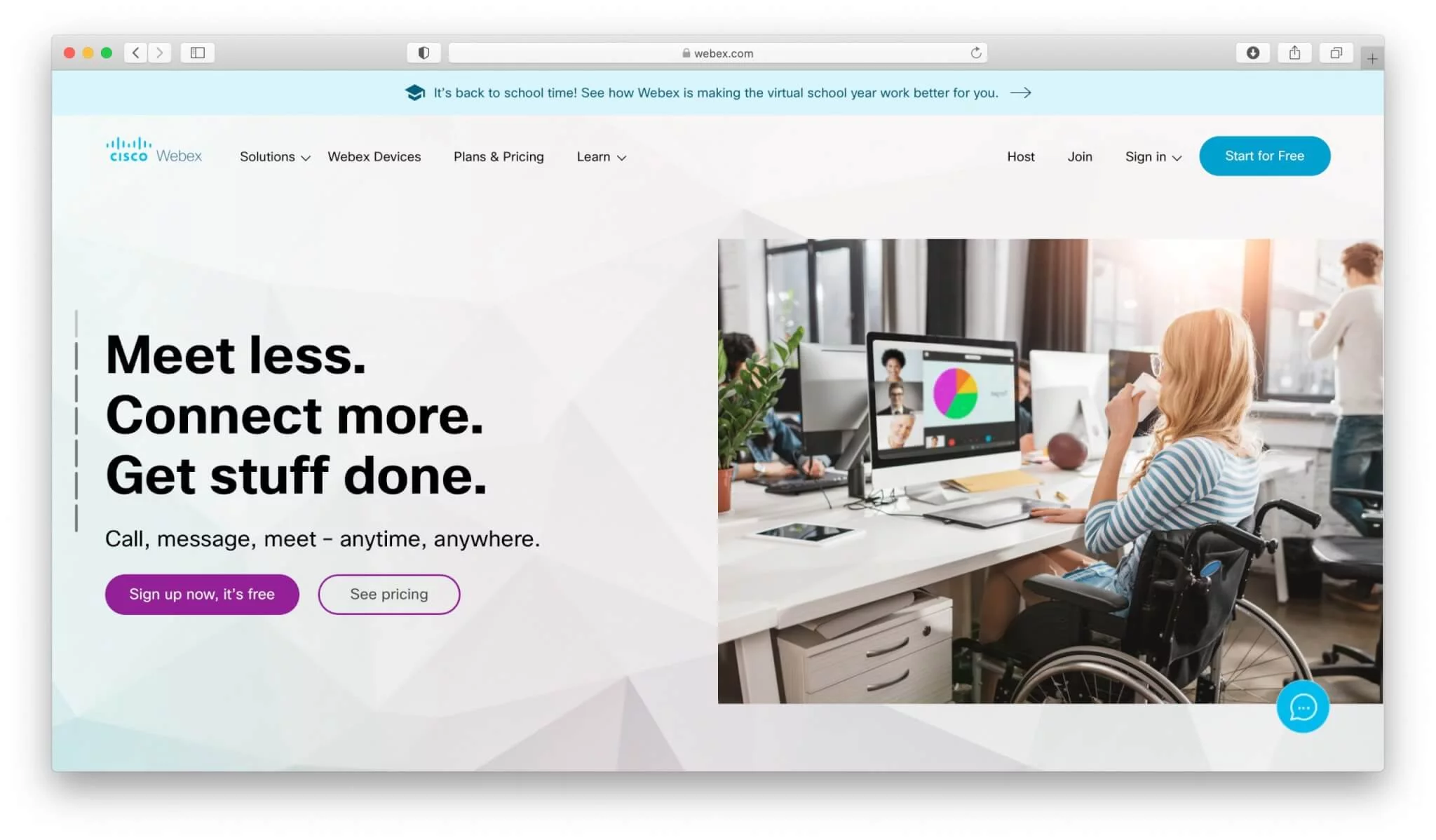
This platform gives an opportunity to organize video meetings for a number of participants up to 200. There are 3 plans for eight, 25 and 200 attendees respectively and an Enterprise plan which is flexible.
Some of the benefits of using the program are
- High-quality video.
- Screen sharing is available.
- High level of security.
- Ability to lock a room and prevent people from joining.
- Ability to join a meeting using other services such as Skype or Polycom.
- Useful features are available to use, such as chat and a whiteboard.
The only real downside of using WebEx is that the default browser setting is Internet Explorer, so you will need to make changes before hosting a meeting if you need to use a different browser.
Pricing
- Pricing for using the app depends on the plan.
- The entry plan is billed per host per month.
- Plus and Business sit above it, both billed per host per month, and Cisco publishes the current figures on its own pricing page.
- If you are interested in the Enterprise Plan, you need to call the company about flexible options.
GoToMeeting video app
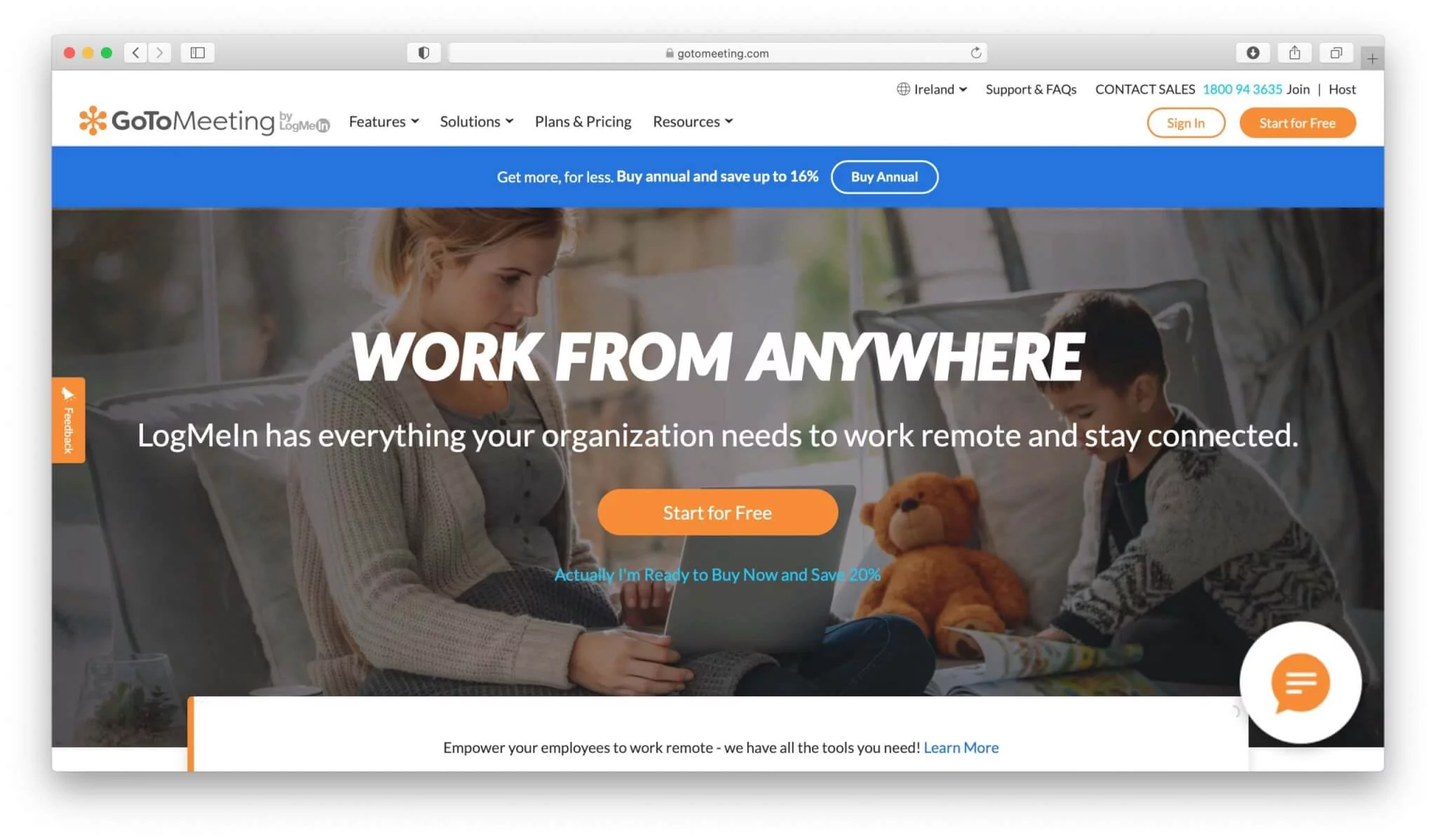
It’s one of the most popular video conferencing apps around. This is due to its range of features.
The benefits that can be had from using GoToMeeting include
- Three different plans to choose from for 10, 50 and 100 participants respectively.
- 14-day free trial.
- Screen sharing is available.
- Keyboard and mouse sharing is available.
- Dial-in conference line to use.
- Drawing tools when using the Pro and Plus versions.
- The mobile app when using the Pro and Plus versions.
- Recording feature when using the Pro and Plus versions.
The disadvantages of using the software are that it can use a lot of bandwidth, and you need to invest extra money in order to get the premium features.
Pricing
- After an initial free trial, there are two pricing options available.
These are GoToMeeting Professional, which admits up to 150 participants, and GoToMeeting Business above it. Both are cheaper per month when billed yearly, and the current figures are on the GoToMeeting pricing page.
Skype for Business (Killed by Microsoft)
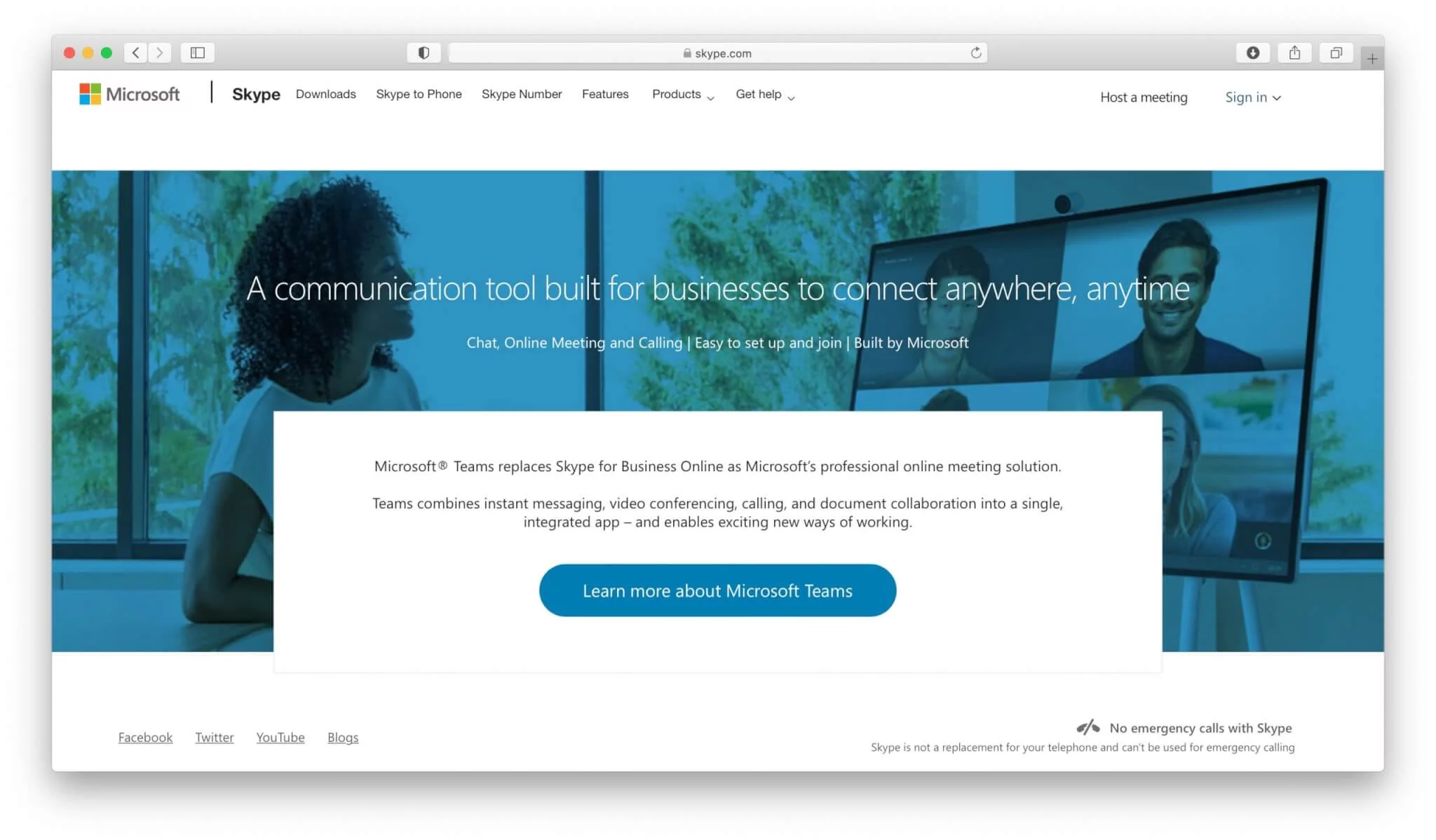
Skype for Business is one of the original video chatting platforms having started in 2003. However, it’s no longer a standalone product. It’s now part of Microsoft Teams. So, if you have a subscription to Microsoft Teams you get access to both products.
The benefits of using Skype for Business include
- Video conferencing for up to 250 users.
- Ability to upload PowerPoint presentations.
- Whiteboard for improved collaboration.
- Screen sharing functionality.
- Connectivity from any device.
The downside of using Skype for Business is that you get Office 365 features that you do not need.
Skype for Business pricing
- You can get free access to Skype for Business.
- You get full support and features for up to 10 users.
Skype for Business was not sold on its own but came bundled with the Office 365 business plans, priced per user per month.
Microsoft Teams
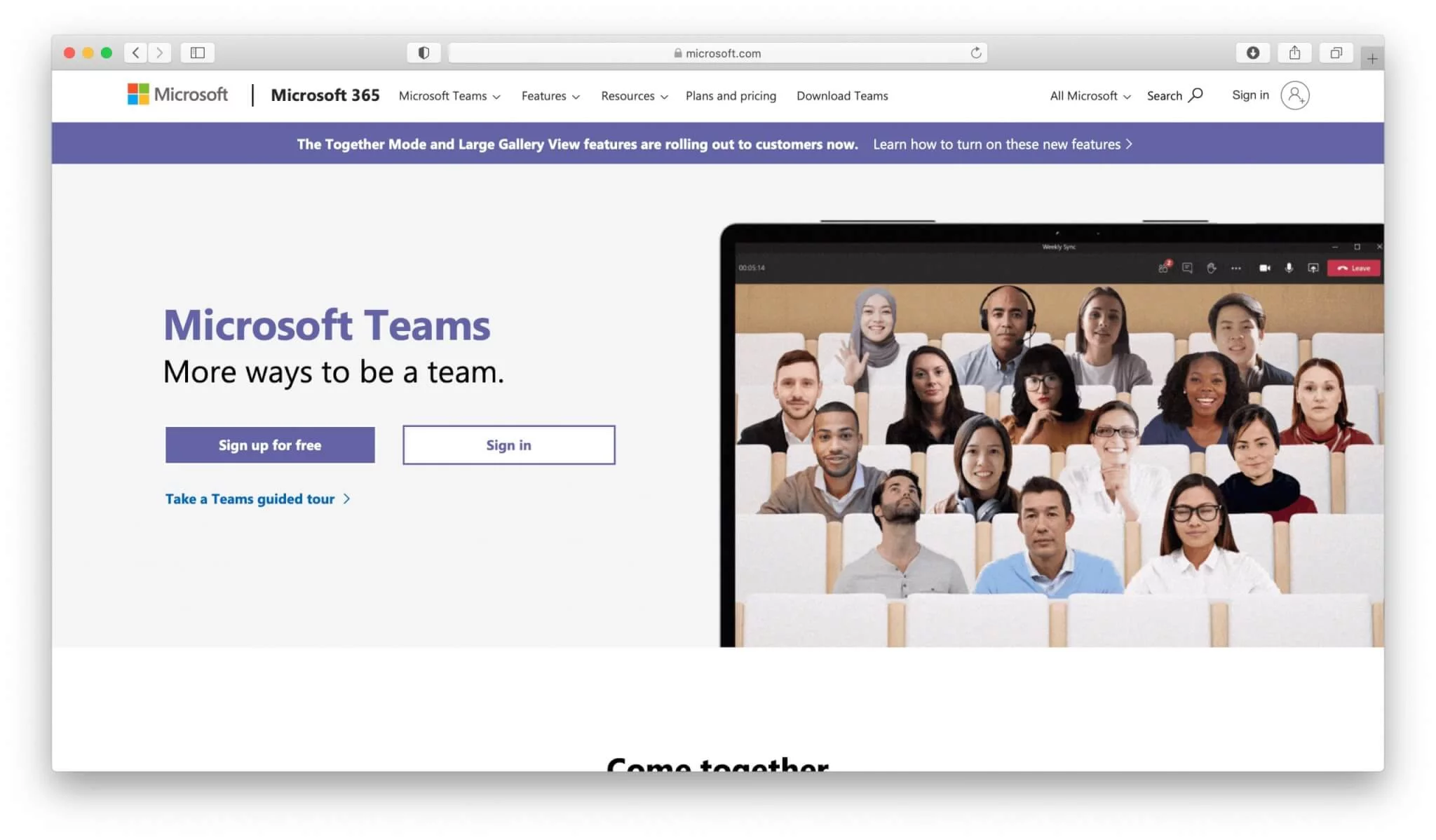
Microsoft Teams is one of the most popular communication and integration tools for businesses that use other Microsoft tools. There are several benefits that you can get from using this solution.
Here are some of those benefits
- Full integration with Office 365.
- Ability to separate chat into different conversation channels.
- Access to Skype, email and OneDrive all in one place.
- Access from across all devices as there is a mobile app to use.
- High level of cybersecurity due to the use of security standards like ISO 27001 and SSAE16 SOC one and two.
- Ability to record audio and video for meetings and group calls.
The less positive aspect of using Microsoft Teams is that it’s only really convenient to use when Microsoft tools are widely used in the organization.
Microsoft Teams pricing
- You can sign up for a free Microsoft Teams account if you already have a Microsoft account.
- If you have a free account, you can then invite 299 people to join a meeting.
- Everyone who joins needs to have a Microsoft account.
You can also access Microsoft Teams through the Microsoft 365 business plans, from Business Basic up to the enterprise tiers, all priced per person per month. You need to make an annual commitment to all of these plans.
Zoho Meeting video tool
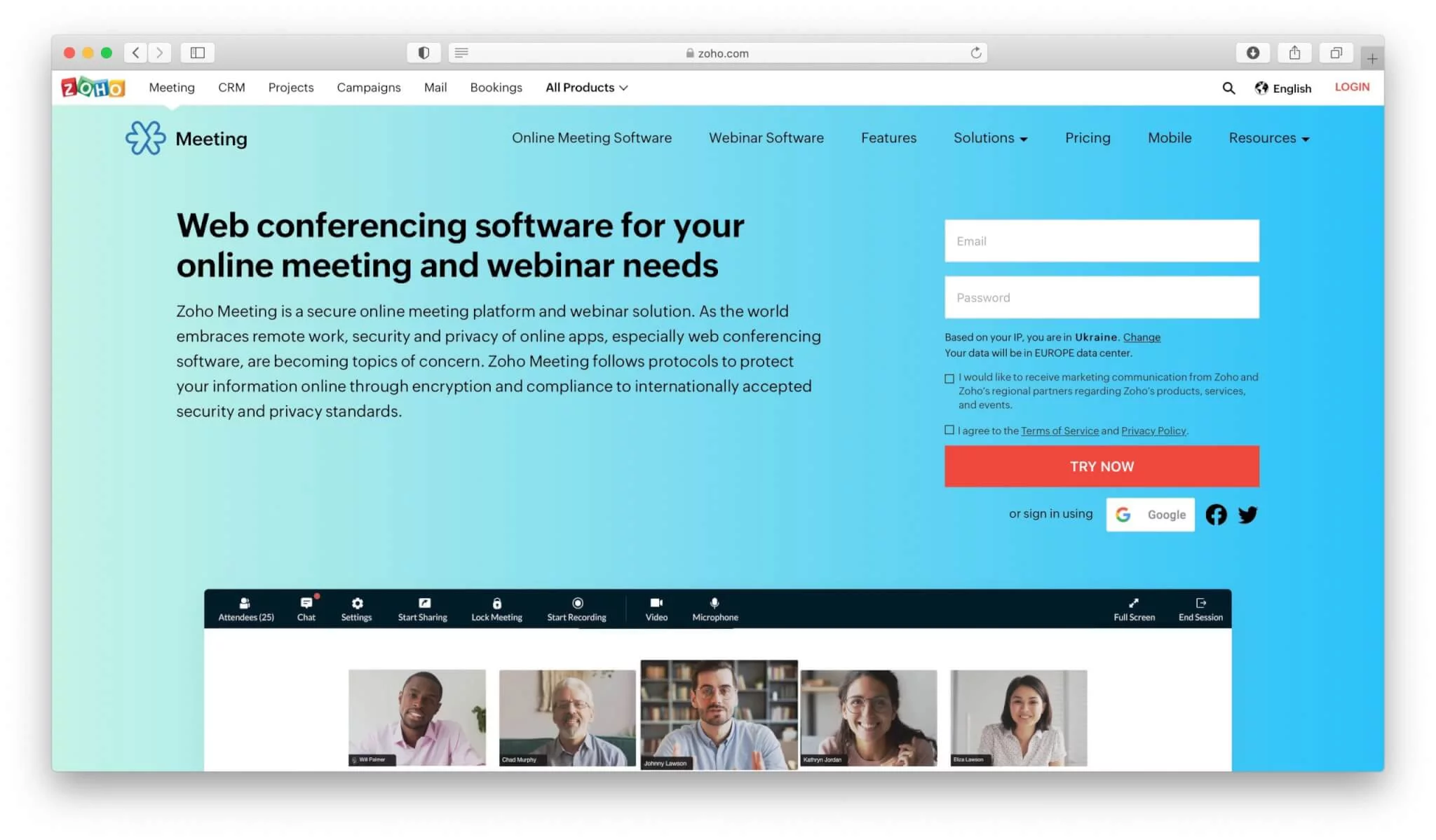
Zoho Meeting is a good video conferencing tool if you want solid video content with screen sharing. There are some limitations with Zoho Meeting when it comes to recording and sharing on social media.
Top features that you can expect when using Zoho Meeting include
- Instant and scheduled meeting availability.
- Screen sharing capabilities.
- Options to record and share.
- Controls for moderators.
- Mouse and keyboard sharing options.
The restrictions of using Zoho Meeting include a lack of customization options and a lack of features when compared to other solutions.
Zoho Meeting pricing
- The pricing of Zoho Meeting has two different options available.
- The first option is free which gives you access to one host and five participants.
- The paid option starts at $8 for one host and a maximum of 100 participants.
- The number of hosts can be adjusted at extra cost but 100 is the maximum number of participants.
Summary of video conference apps
The list of video conference apps is not restricted only to the platforms described above. We could continue it with such tools, FaceTime, Google Hangouts, Join.me, etc.
The majority of video conferencing apps have great features that are necessary for a complete and convenient web meeting. They are like a joint remote workplace for teams that allow working on projects together while not being in the same place. Features such as best screen sharing apps, mouse and keyboard sharing give participants a chance to make improvements in projects online. At the same time, drawing and marking tools make the process more vivid visually. Finally, you can record the entire so that no details are missed which may hamper the ongoing work process.
Modern software developers keep creating new applications with better features, making it hard to imagine the amazing possibilities they will bring to people for video conferencing in the near future using video conference apps.
FAQ
What types of devices can run video conferencing apps and why does that matter?
Most video conferencing platforms can be accessed from a variety of devices including Windows PC, Mac, Linux, iOS and Android tablets and phones because developers aim to make the process easier and more flexible for users.
Why do many video conferencing apps offer a free plan even though features are limited?
Free versions are offered in order to let users test the platform and join meetings without immediate payment while the paid plans provide more features and larger participant capacity so that the provider can monetize advanced usage.
What key features should you look for in a video conferencing app according to the article?
The article highlights that screen sharing, keyboard and mouse sharing, drawing tools, polls and surveys, recording and compatibility across devices are important features because they enable collaboration and capture of the meeting.
What are common disadvantages of the video conferencing apps mentioned in the article?
Some common drawbacks described are that premium features may be expensive, large groups may require higher cost plans, and an interface with many functions may require time to learn before full use.
How should you choose the best video conferencing app for your organization’s needs?
You should assess your team size, required participant limits, integration with existing tools, ease of use, cost and feature set and then test a few platforms in real conditions because the best app depends on your specific priorities rather than a one-size-fits-all solution.