

Do you have a virtual event coming up? Do you need everything to run smoothly? If that is the case, then what you want is a solid script to back it up.
Scripts for Video Conferences or Webinars
Writing a good script takes the pressure off and leaves you far more confident about how the event will go.
A script is a map. It guides you through the event and keeps you heading in the right direction. Settling the small details beforehand means you will not have to improvise or worry about what to say or do next. It also keeps everyone on the same page and removes a great deal of confusion.
We have all sat through virtual events before, whether conferences, webinars, online summits, or fairs. Some of them were great, others much less so. When a virtual event genuinely lands, it drives sales, builds a reputation, and widens a professional network. When it does not, the audience drifts away quickly and may well resent the time they spent.
The script is what drives the flow of a virtual event. It keeps you organised and makes sure you always have something to say next.
If you are unsure of your writing, you can bring in help. Researchprospect.com, for example, offers writing services you may find useful when you are putting an online event together.
Here are three tips you can follow to write a script worth reading from.
1. Write the way you speak
The single most useful habit when writing a script for a virtual meeting is to write the way you talk. Skip the formal, thesis-statement voice and stay with a conversational but professional tone.
The voice of your script should of course match the character of your event. If the event is relaxed, the script should sound relaxed. If it is formal, the script should reflect that. Remember that the script is a guide to keep you on track, not a text to be read out word for word. Keep in mind too that you are writing for video and audio, not for the page. The goal of both the script and the content is to hold your audience. One of the fastest ways to lose their attention is a script that reads like a lecture rather than a talk.
Quick tips:
- Keep your sentences short.
- Do not be afraid to start them with conjunctions like "and" or "but."
- Use second-person pronouns so that you speak directly to your audience rather than at them. Words such as "you" and "your" help listeners feel connected to the ideas you are sharing.
2. Greet your audience and manage their expectations
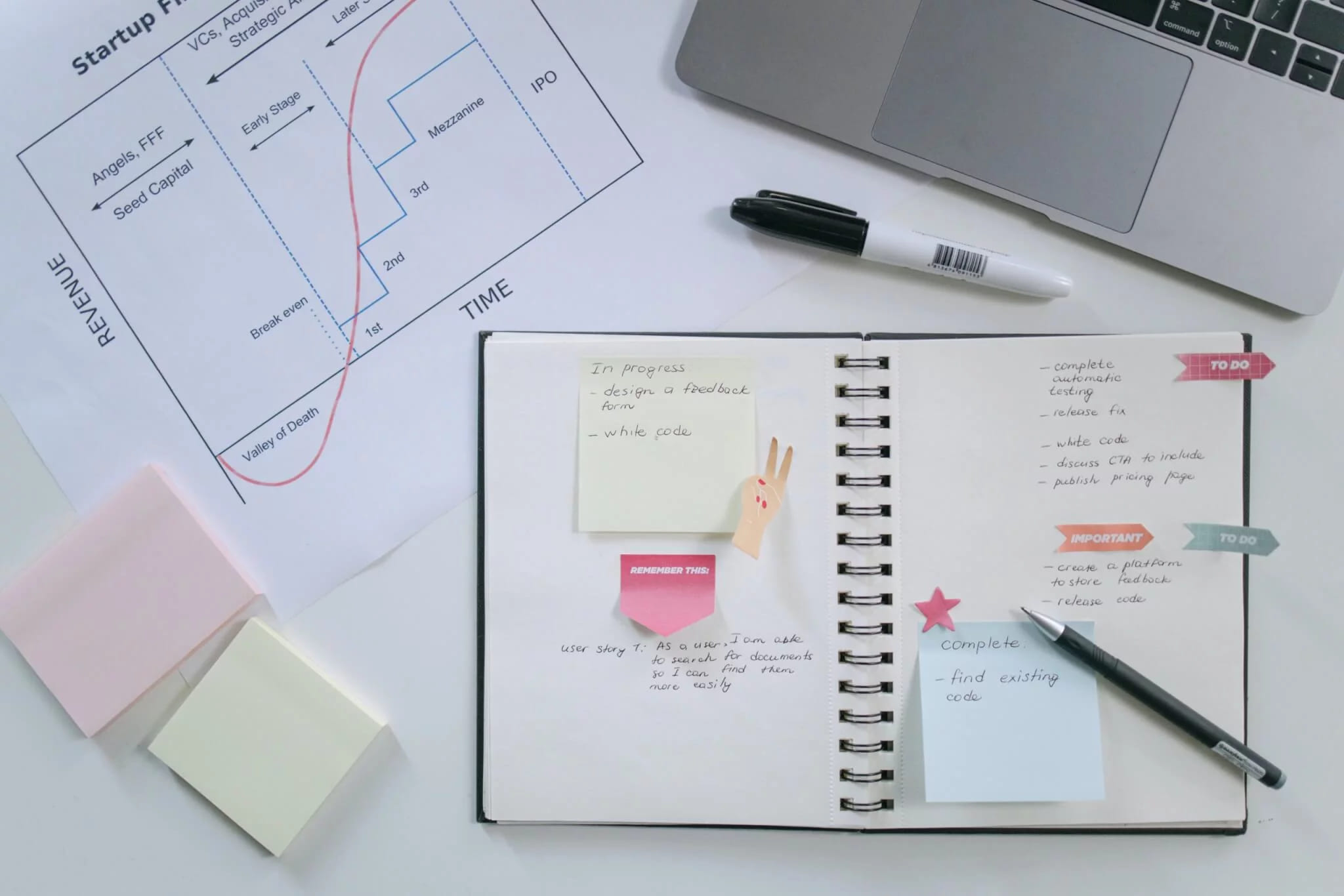
A virtual meeting should be equal parts informative and welcoming. The first thing to do is say hello and introduce yourself by name. Give your role or job title as well if people who do not already know you will be attending.
As part of that opening, share the practical details too. Tell participants where to find the recording or the transcript afterwards, give a little background on yourself, and answer the obvious questions before they come up in the chat. Put together a short reference guide or an agenda that you can share before the event, or right at the start of the presentation.
"Hello, everyone, and welcome to today’s meeting." It is a simple greeting, and it works across time zones and regions.
"My name is [your name here], and I am a [your role]." Introduce yourself and add enough background to establish trust with the audience. Mention where you work and what you are responsible for, which is what makes you worth listening to on this particular topic.
3. Remember to add some personal content
Another good way to hold your audience, especially through dense or difficult material, is to weave personal examples and stories into your virtual meeting script. You can do this by asking rhetorical questions or by sketching out scenarios that match the theme of your event and your own expertise.
Personal stories also work well for walking an audience through a complicated process, which is particularly useful when the event is educational. A story is the most compelling kind of example there is. The words "for example" go a long way on their own, but the material that really lands comes from lived experience.
- A story about how you overcame a significant challenge
- A candid reason why you started your company or took on a memorable project
- An account of how the problem you are describing first came about
The advantage of this approach is that it shows how you came by your knowledge, through a run of complicated projects and obstacles. A good example makes you far more relatable and lends weight to your experience.
You can also share client success stories. A real-life example keeps the audience interested and gives the content credibility. To make this work, be sure to name figures, goals, and other specifics.
Personal stories do double duty. They give you a relatable, real-life example, and they lend credibility to your own brand and name by letting participants see something of your experience.
Final thoughts on video conference scripts
Owning the script for a virtual event is a real responsibility. Any nerves about it are entirely normal and nothing to worry about. The tips above on writing a clear and useful script should give you the confidence you need.
The script becomes much easier to handle once you know what matters in it and what to watch out for. With these tips in hand, you will be ready to write the right script for an online event.
We are sure you will do well, and the MyOwnConference webinar platform is an excellent place to hold it.
FAQ
What tone should you use in your virtual event script instead of sounding formal?
You should write as you speak and keep a conversational yet professional tone, so that your audience feels engaged rather than lectured.
Why is greeting the audience and setting expectations important at the start of the session?
Because saying hello, introducing yourself, and explaining what will happen helps participants feel welcome, know what to expect, and stay with you from the beginning.
How can you make your script more relatable by using personal content?
You can include a personal story, a challenge you overcame, or an example that mirrors your topic, so that the audience connects with you and your message in a more human way.
What role does the script play in a virtual event beyond just talking points?
The script serves as a roadmap, guiding the flow of the event, reducing surprises, and making sure everyone involved stays aligned with what you planned.
What happens if your script sounds like a formal lecture rather than a conversation?
If the script reads like a lecture, you risk losing the audience’s attention, because they feel spoken at instead of included, which lowers engagement.