
Do you offer packages with several webinar rooms?
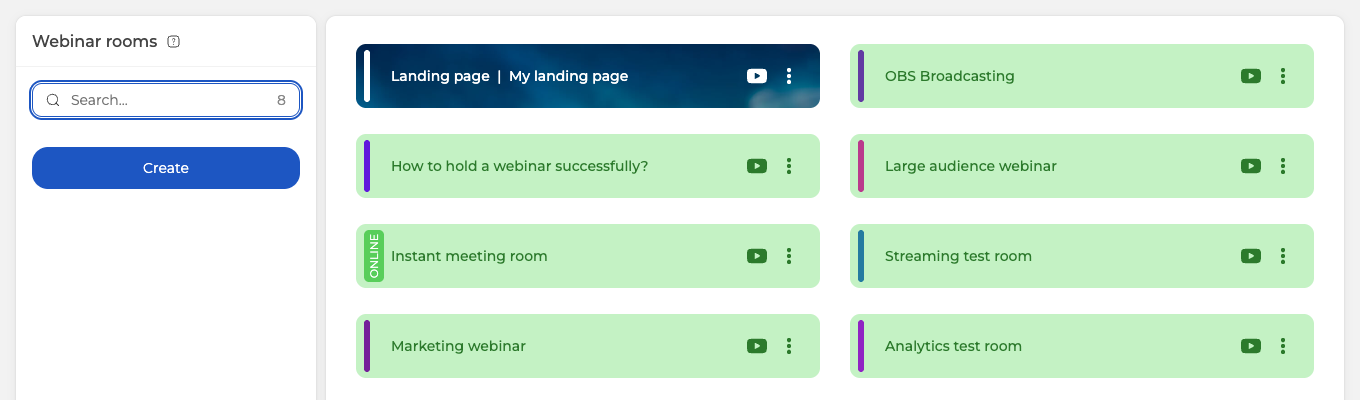
Yes. Every plan lets you create as many webinar rooms as you need, and each room keeps a permanent link that stays the same for every event you hold in it.
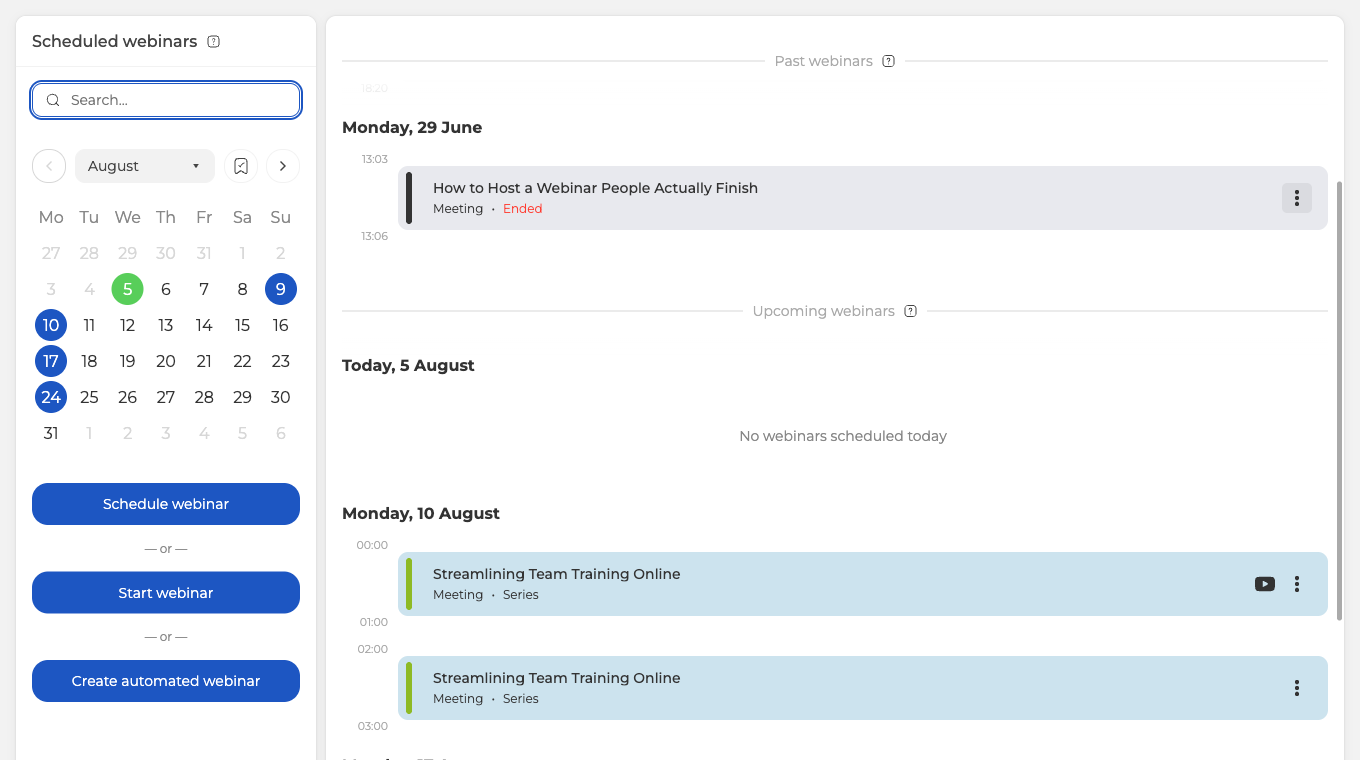
You can put as many events in the calendar as you like, and scheduling itself is never capped. Live webinars have no daily limit either, on any plan. The one thing counted per day is automated webinars, and the free Starter plan allows one of those a day.
The attendee cap is shared across events running at the same time
What your plan limits is how many people can be in your webinars at once, counted across every event that is live at that moment.
On a plan for 100 attendees, that is one webinar with 100 people in it, or five webinars with 20 people in each. The split does not have to be even, so two events with 30 and 70 attendees work just as well. By default the platform divides the pool evenly between the live events, and you can set the allowance for a session by hand when one of them needs the larger share.
The pool only applies to events that overlap in time. It never limits how many rooms you keep or how many webinars you put in the calendar.
So the question to ask before buying is not how many rooms you need, it is how many people will be watching at the same moment. Choosing a plan goes through the options, and Permanent link to the webinar room covers what a room gives you once you have created it.
If you are weighing two plans and cannot tell which one covers your busiest moment, open the online chat and describe the events you expect to run at the same time.
Frequently asked questions
Is there a limit on how many webinars I can hold in a day?
Not for live webinars, on any plan. The one thing counted per day is automated webinars, and the free Starter plan allows one of those a day. Scheduling itself is never capped either, so you can put as many events in the calendar as you like.
Do I need a separate room for every webinar?
No, each room keeps a permanent link that stays the same for every event you hold in it, so one room can host event after event. You can still create as many rooms as you need, on every plan. Permanent link to the webinar room covers what a room gives you once you have created it.
Can I run several webinars at the same time?
Yes, as long as the people watching them add up to no more than your plan allows at that moment. On a plan for 100 attendees, that is one webinar with 100 people in it, or five webinars with 20 people in each, and the split does not have to be even. By default the platform divides the pool evenly between the live events, and you can set the allowance for a session by hand when one of them needs the larger share.
How do I work out which plan to buy?
Count the people who will be watching at the same moment, not the rooms you want. Rooms are unlimited on every plan and scheduling is never capped, so neither enters the calculation. If you are weighing two plans and cannot tell which one covers your busiest moment, open the online chat and describe the events you expect to run at the same time. Choosing a plan goes through the options.
Do rooms I have already created and webinars scheduled for another day eat into my attendee limit?
No. The pool only applies to events that overlap in time, so a room standing idle takes nothing from it, and neither does a webinar set for another day. Keeping more rooms or filling up the calendar never costs you attendees.
