
How to reach the online support team
Our support team helps you set up and monitor online events, check that recording is working, send emails and reminders, and share the links to your events. We answer in English, Polish, Russian and Ukrainian.
If you are attending an event and your question is about that event itself, please contact its organiser or host directly. They control the content and the schedule, and we do not.
When we are available
Monday to Friday, from 09:00 to 21:00 Central European Time. On Saturday, from 11:00 to 17:00. In Pacific Time that is 00:00 to 12:00 on weekdays and 02:00 to 08:00 on Saturday.
We do not work on Sundays, though we always try to keep an eye on the chat so we can help in an emergency.
Checking whether the problem is on our side
When something goes wrong shortly before an event, the quickest answer is often not a message to us. Our status page carries the live measurement of the platform, and it is the same measurement our availability commitment rests on rather than a separate figure written for a marketing page.
The platform is listed there as its parts rather than as one number. The control panel, the webinar room, the streaming components, the delivery of files and videos, the site and each localized version of it all have their own line and their own figure for the last ninety days, so you can see whether the piece you are actually using is the affected one.
Incidents and planned maintenance are published on the same page, and you can subscribe there to be told when one opens, changes or closes.
If every line is green and the problem is still in front of you, that is exactly the moment to write to us, and what to put in that first message is further down this page.
Ways to reach us
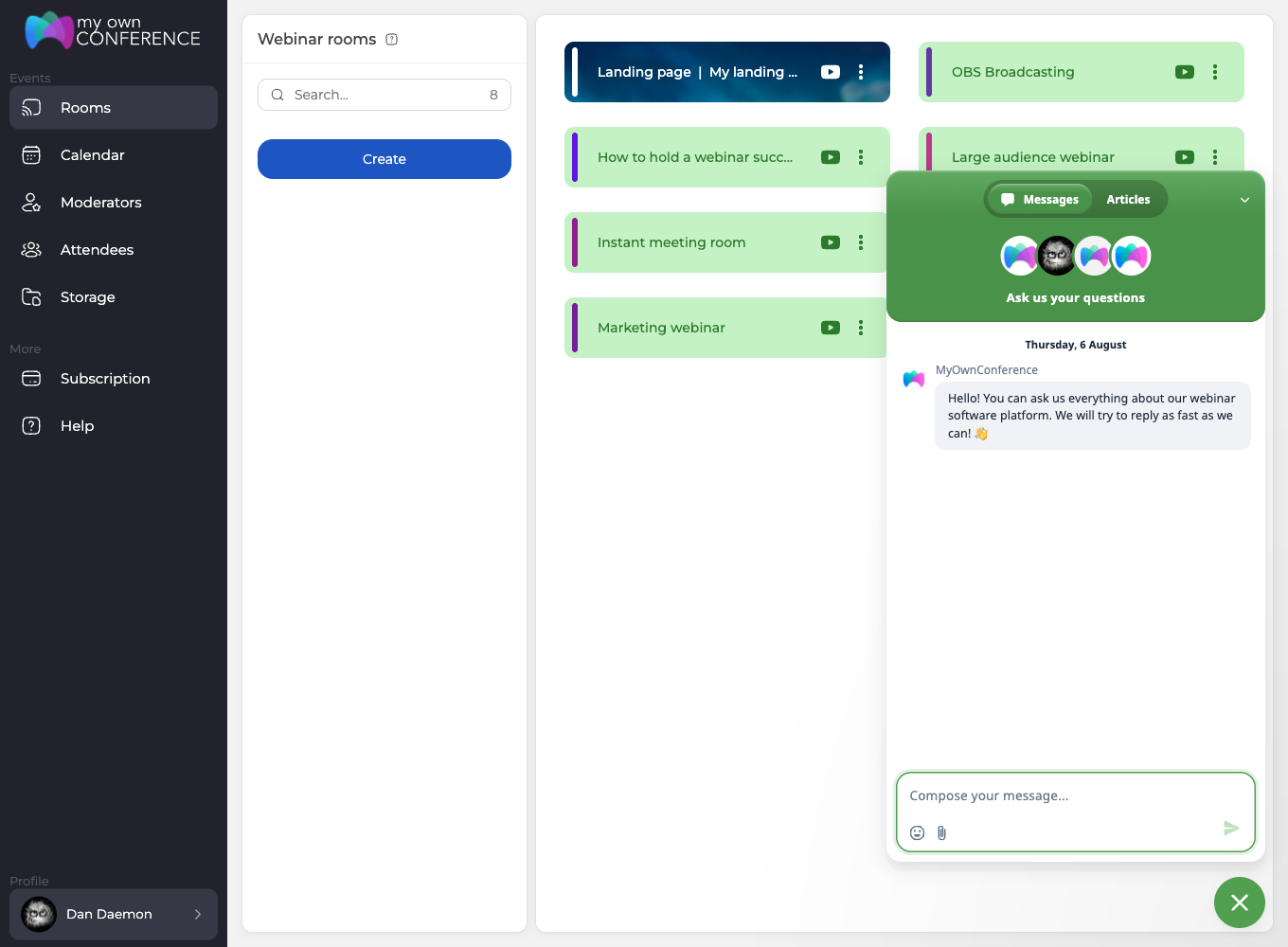
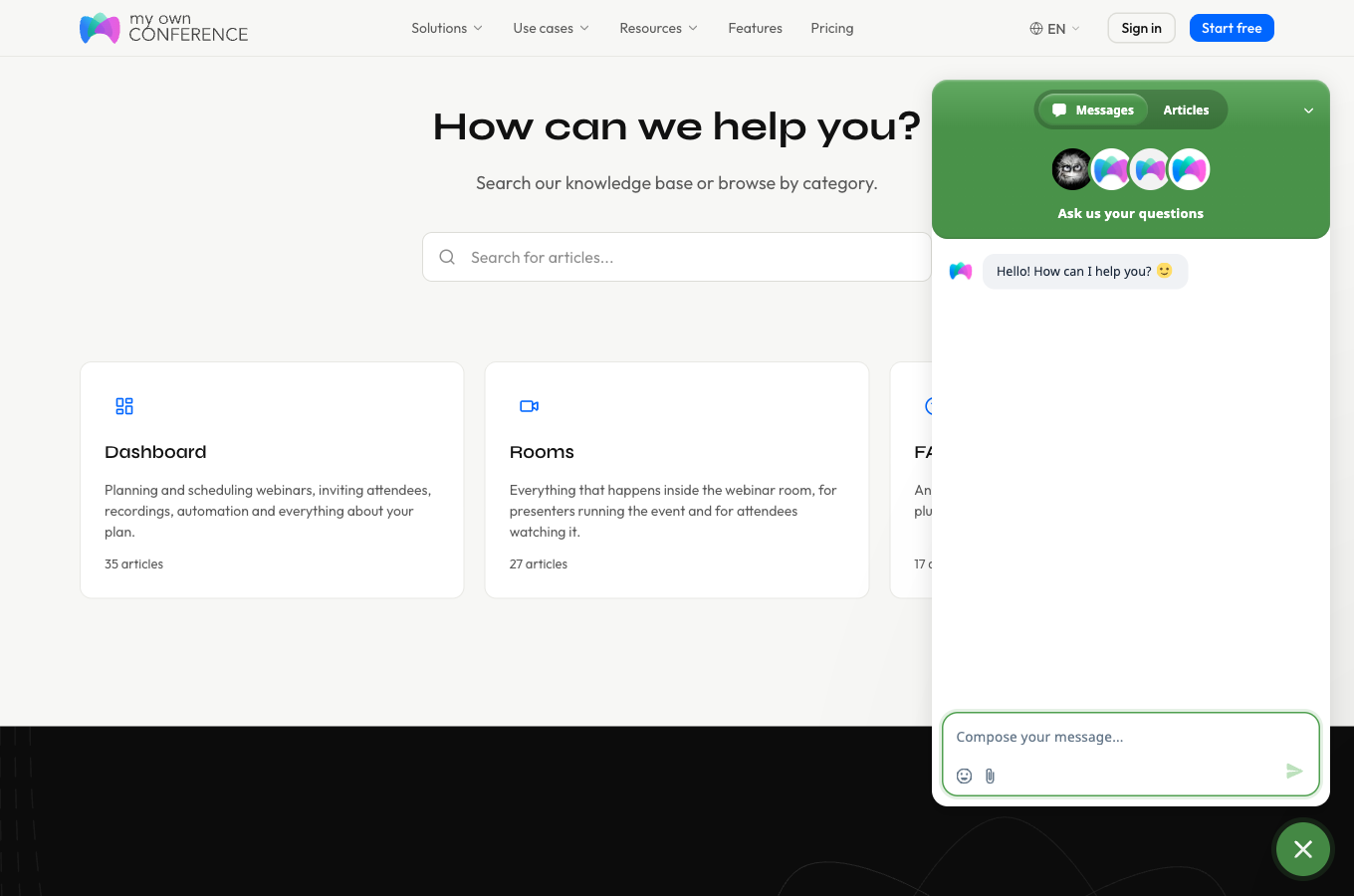
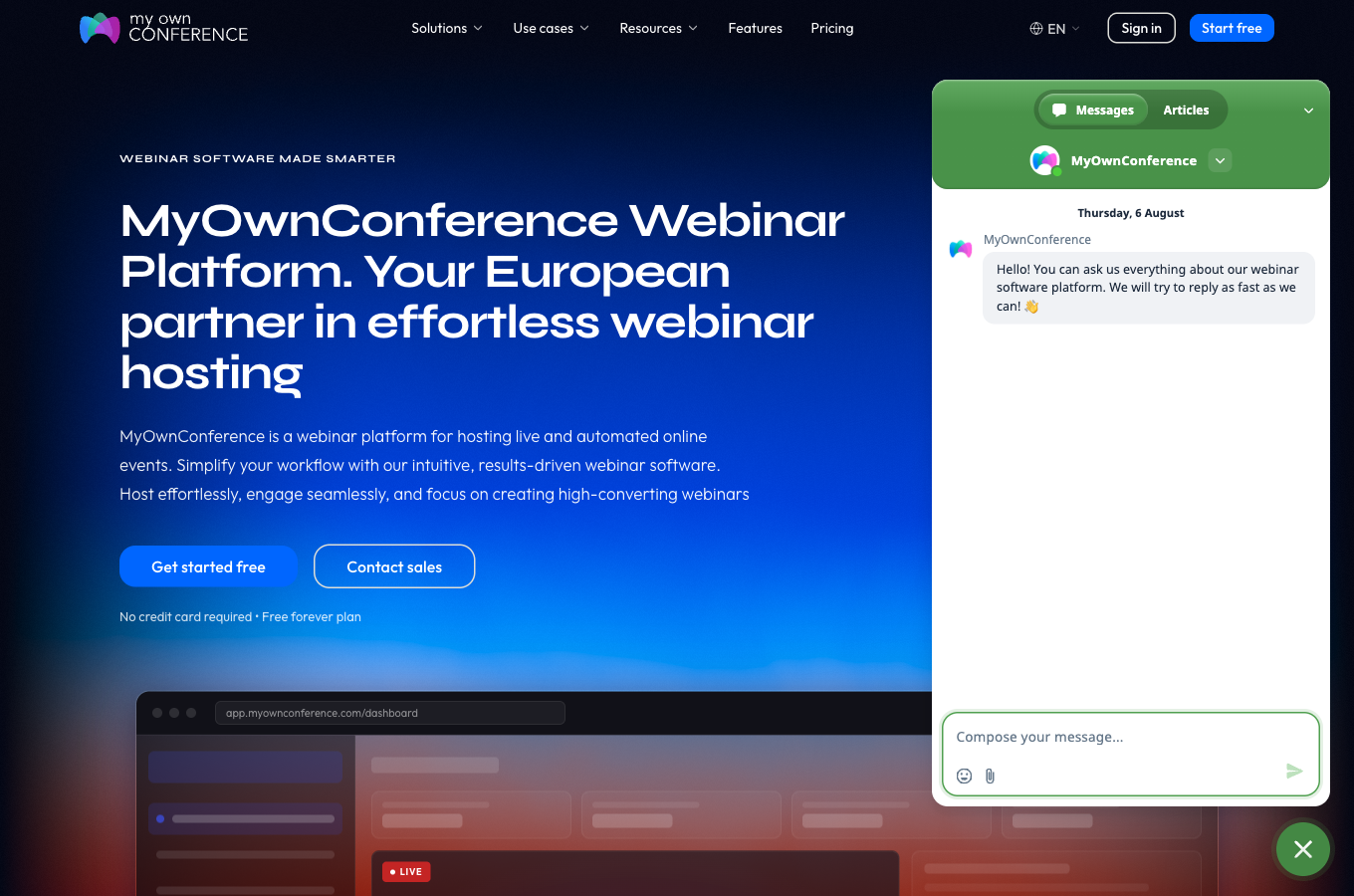
You can reach us through the support widget, the green circle at the bottom right of the screen. It opens on a "Messages" tab for writing to us and an "Articles" tab for searching the help centre without leaving the page.
From your control panel, once you are signed in to your account.
From the help centre, where the same green circle sits in the corner of every page.
From the website.
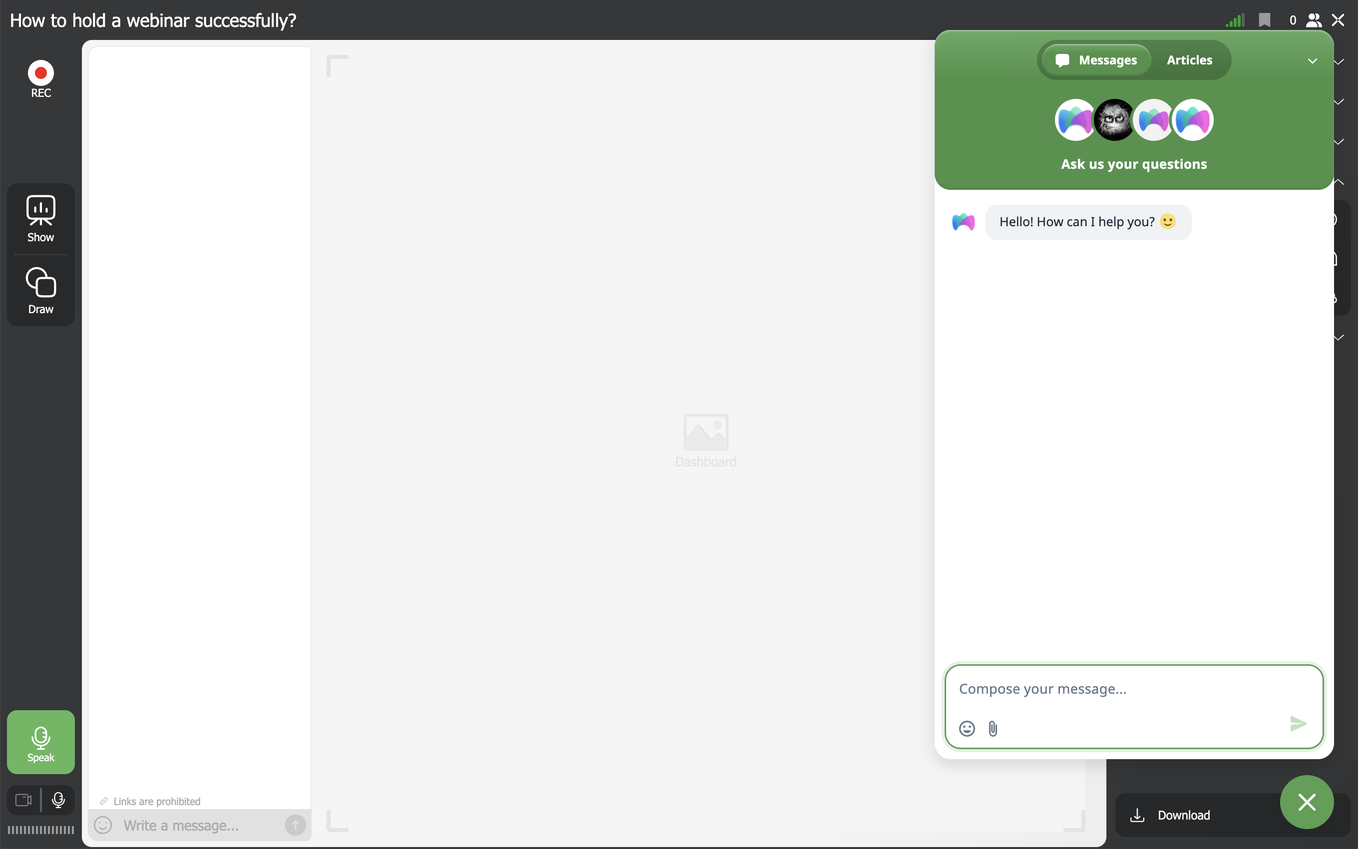
You, your moderators and your presenters can also reach us from inside the event room while the event is running, without leaving the room or interrupting what is on screen. Open the menu at the top right and choose "Help center".
One thing to know if the widget is nowhere to be seen. It loads only after you accept cookies, so a browser where you declined them, or one that blocks third-party scripts, shows no green circle at all. Accept cookies in the banner and it appears. If you declined them earlier, choose "Cookie settings" at the bottom of any page of this website and accept them there, or open the same page in another browser.
What to send us
The more specific your first message is, the faster we can answer. When you are hitting a technical problem, start with the event itself and tell us:
- the event name,
- the event date and time,
- the event URL,
- the email address your account is registered to.
If the problem affects one particular person, send us that person's email address too. It can be a team member, an invited speaker or an attendee, and it narrows our search considerably.
Screenshots help. When you are seeing an error, a clear shot of it often shows our team the source of the problem straight away.
One last thing. Please send your request only once, because duplicate messages leave us reading through several conversations about the same issue, which slows your answer down.
Frequently asked questions
The green circle is not on my screen. How do I open the chat?
The widget loads only after you accept cookies, so a browser where you declined them, or one that blocks third-party scripts, shows no green circle at all. Accept cookies in the banner and it appears. If you declined them earlier, choose "Cookie settings" at the bottom of any page of this website and accept them there, or open the same page in another browser. When it is working it sits at the bottom right of the screen on the website, in the help centre and in your control panel once you are signed in.
Can I reach you while my webinar is running?
Yes, from inside the event room, without leaving it or interrupting what is on screen. Open the menu at the top right and choose "Help center". Your moderators and your presenters can do the same, so whoever hits the problem can write to us directly instead of relaying it through you.
Which languages do you answer in?
English, Polish, Russian and Ukrainian, so write in whichever of those suits you best. The team helps with setting up and monitoring online events, checking that recording is working, sending emails and reminders, and sharing the links to your events.
I am attending someone else's webinar and something is wrong. Should I write to you?
Not if the question is about that event itself, because its organiser or host control the content and the schedule and we do not. Contact them directly.
I have already written and had no reply. Should I send my message again?
Please send your request only once, because duplicate messages leave us reading through several conversations about the same issue, which slows your answer down. We are there Monday to Friday from 09:00 to 21:00 Central European Time and on Saturday from 11:00 to 17:00. We do not work on Sundays, though we always try to keep an eye on the chat so we can help in an emergency.
